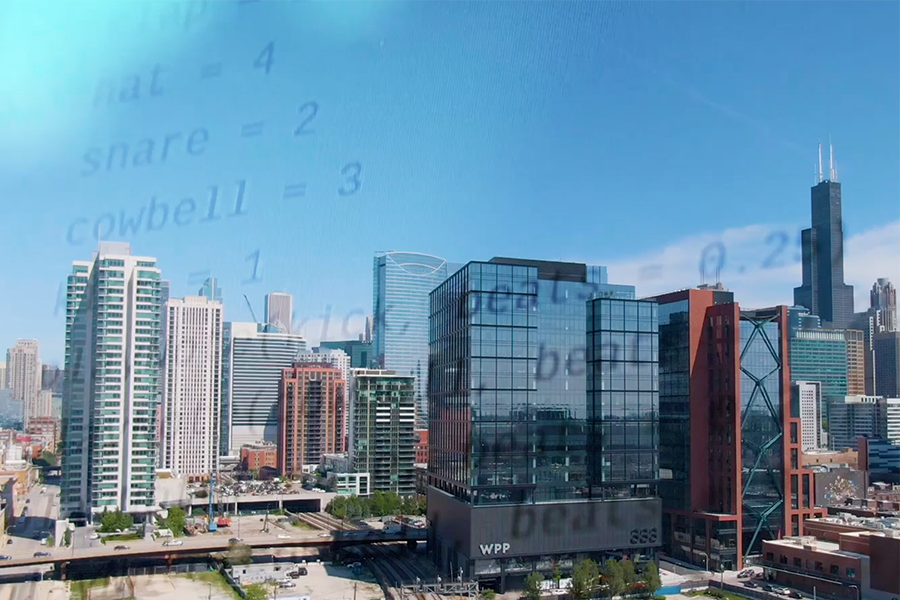
TunePad Quick Start Guide
Get started creating music with code! This guide walks through the basics of coding music with Python in TunePad
Level
BeginnerTime
15-20 minutesWhat is TunePad?
TunePad is a free learning platform for creating music using the Python programming language. It was developed at Northwestern University with funding from the National Science Foundation. TunePad is free for everyone to use, and we will never sell or share your personal information.
What is Python Programming?
- Python is one of the most widely-used programming languages in the world.
- Python is easy to read and write, which makes it a popular choice for beginners.
- It’s also powerful, which makes it a good choice for professionals.
- Python is used for data science, artificial intelligence, web development, art, music, video game development, and more.
- Python is a “text-based” language, which means that you type code instead of dragging blocks on the screen.
Try It!
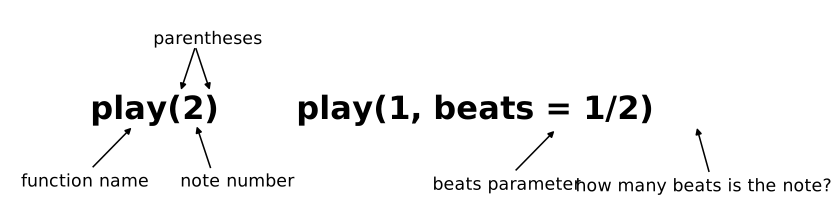
Here's an example of what TunePad can do. This Python code plays five notes using a kick drum sound. Press the ▶ button below to hear how it sounds.
You use the play function to play a specific note or drum sound. Each drum sound has its own number
that you can see on the drum pad below the Python code. The beats part on the last two lines of code says how long
each note should last. The last two sounds will play for half a beat each.
Adding Snare Drums
To make this beat more interesting, we can add layers of sound. This cell adds two snare drum sounds to play on beats 2 and 4. Try playing this cell while also playing the kick drums at the same time. In TunePad all cells will synchronize together.
The text that comes after the hashtag symbol (#) is called a comment. It’s a note for human coders to help document their code. Anything that comes after the hashtag on a line is ignored by Python.
Hi-Hats
Let's keep layering sounds! This cell uses a loop in Python to add a run of 16 hi-hat sounds.
Bass!
Don't forget the bass! This cell adds a simple bass line.
Harmony?
In TunePad, you can add as many cells as you want to your project and select from over 170 different instrument. You can change your code while the music is playing to test out different ideas live and in real time.
Arpeggios
To wrap this example up, let's add some arpeggios. Arpeggios are just chords played one note at a time. In Python we can use a for loop to experiment with different patterns of notes.
What's Next?
Start creating your own music! Go to tunepad.com and log in with a gmail account or create a new account with a different email address. Once you're logged in, click on the New Project button. You can also learn more by trying some of these resources:
Song Tutorials
TunePad tutorials give step-by-step instructions for recreating popular songs.
Chicago House Beat
In this short warmup activity, create a Chicago House beat using Python code.
Hedwig's Theme from Harry Potter
Recreate the iconic melody from Harry Potter.
Bad Bunny Remix
Learn to use lists in Python to create chords. Practice using chords together to make progressions.
Still D.R.E.
Learn to use variables in Python to make your code more readable. Use loops to create repeated musical elements.TunePad Puzzlers
TunePad puzzlers are games and challenges designed to sharpen your music+coding skills.
Underwater Mystery Melody
See if you can fix all of the syntax errors to reveal the mystery melody!
Dark Side Mystery Melody
See if you can fix all of the syntax errors to reveal the mystery melody!
Suspenseful Mystery Melody
See if you can fix all of the syntax errors to reveal the mystery melody!
Fix Someone Like You
Adele is sad because of the code someone wrote for her song in TunePad. See if you can make the Python program better.TunePad Interactives
TunePad interactives are tools to help explore the connections between music and code.
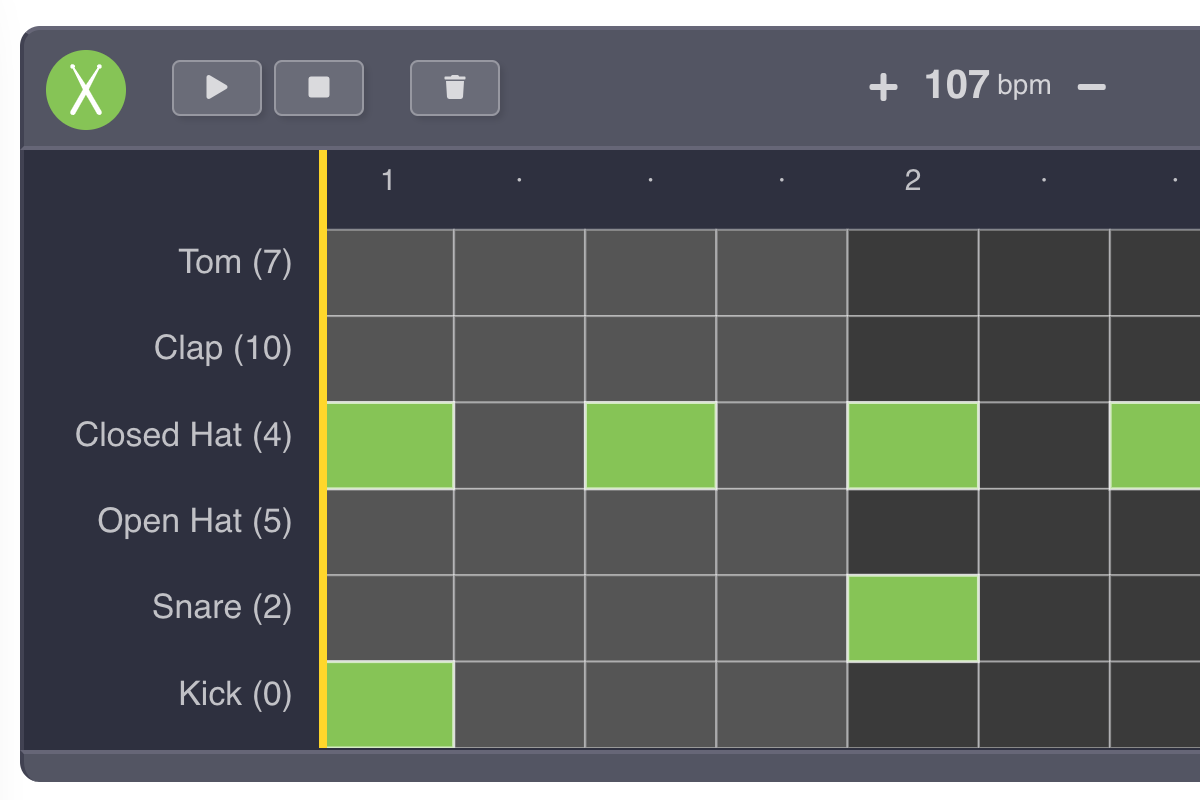
TunePad Beat Composer
Experiment with digital drum sounds and create your own rhythmic patterns for TunePad.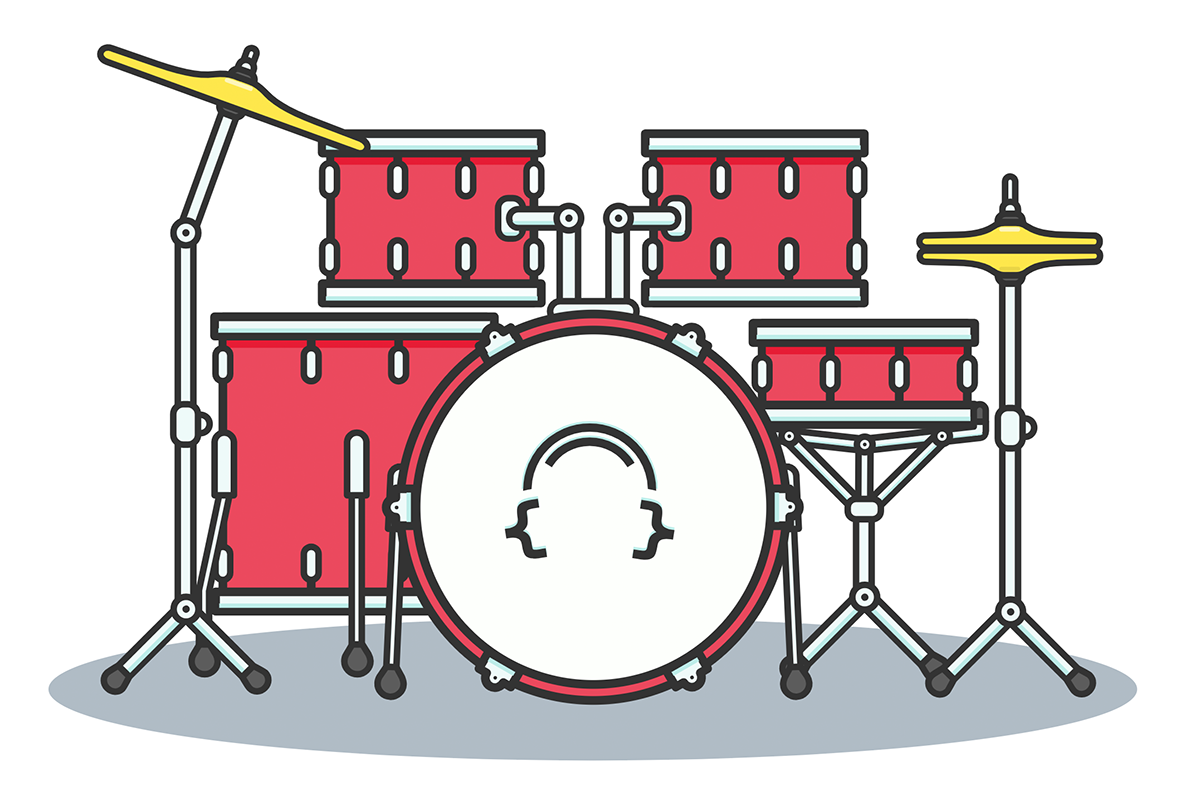
Interactive Drum Kit
Learn the names and sounds of percussion instruments. Get the TunePad command to play different drum sounds.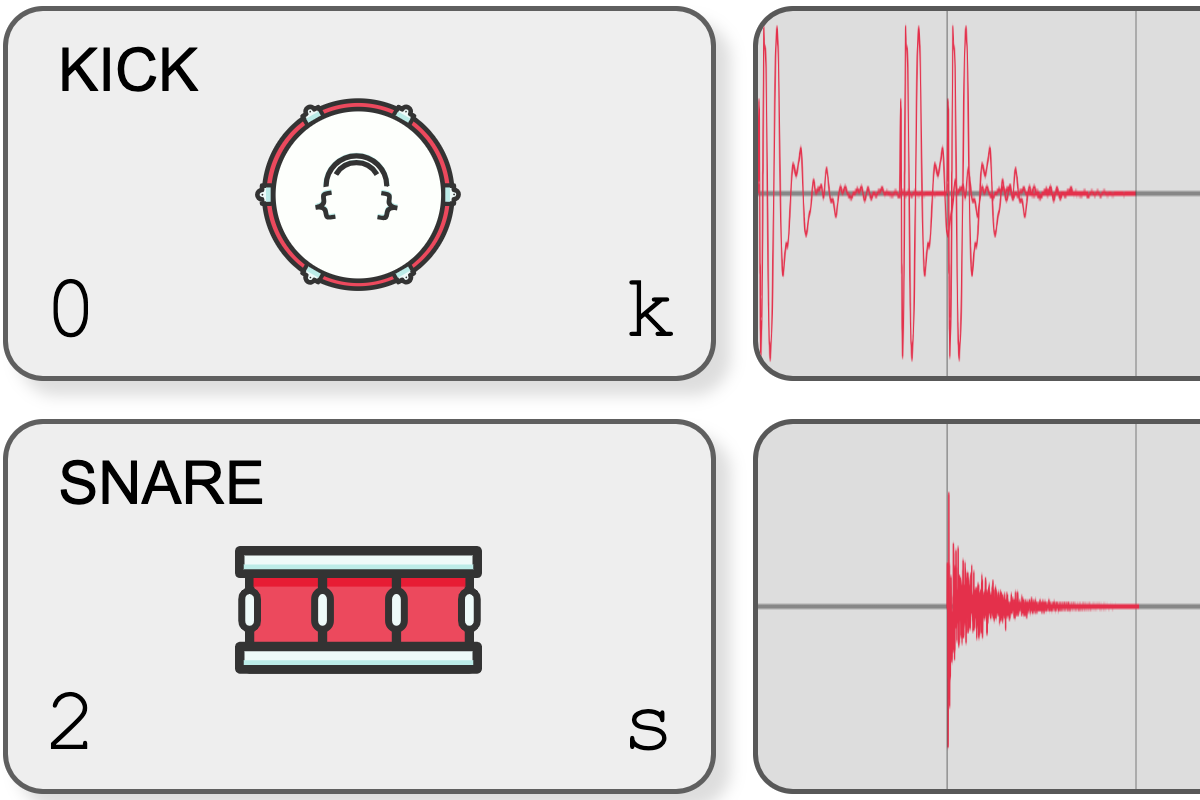
TunePad Drum Scope
See waveforms for different accoustic drum sounds. Create your own drum patterns and see the resulting TunePad code.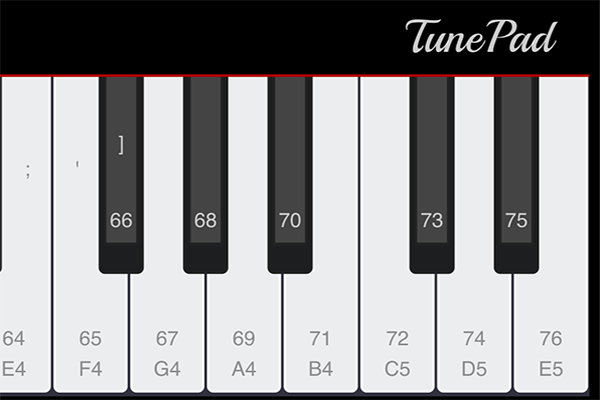
TunePad Piano
Learn note names and values with this interactive piano keyboard.
TunePad Documentation
Ready to dig in? Read the documentation for all of the TunePad functions and modules.